Case study · 2026
Website → Notion CRM Lead Intake
Server-side integration between the Pixel Compile contact form and a Notion CRM: lightweight qualification, structured mapping, spam protection and telemetry without personal data.
Context
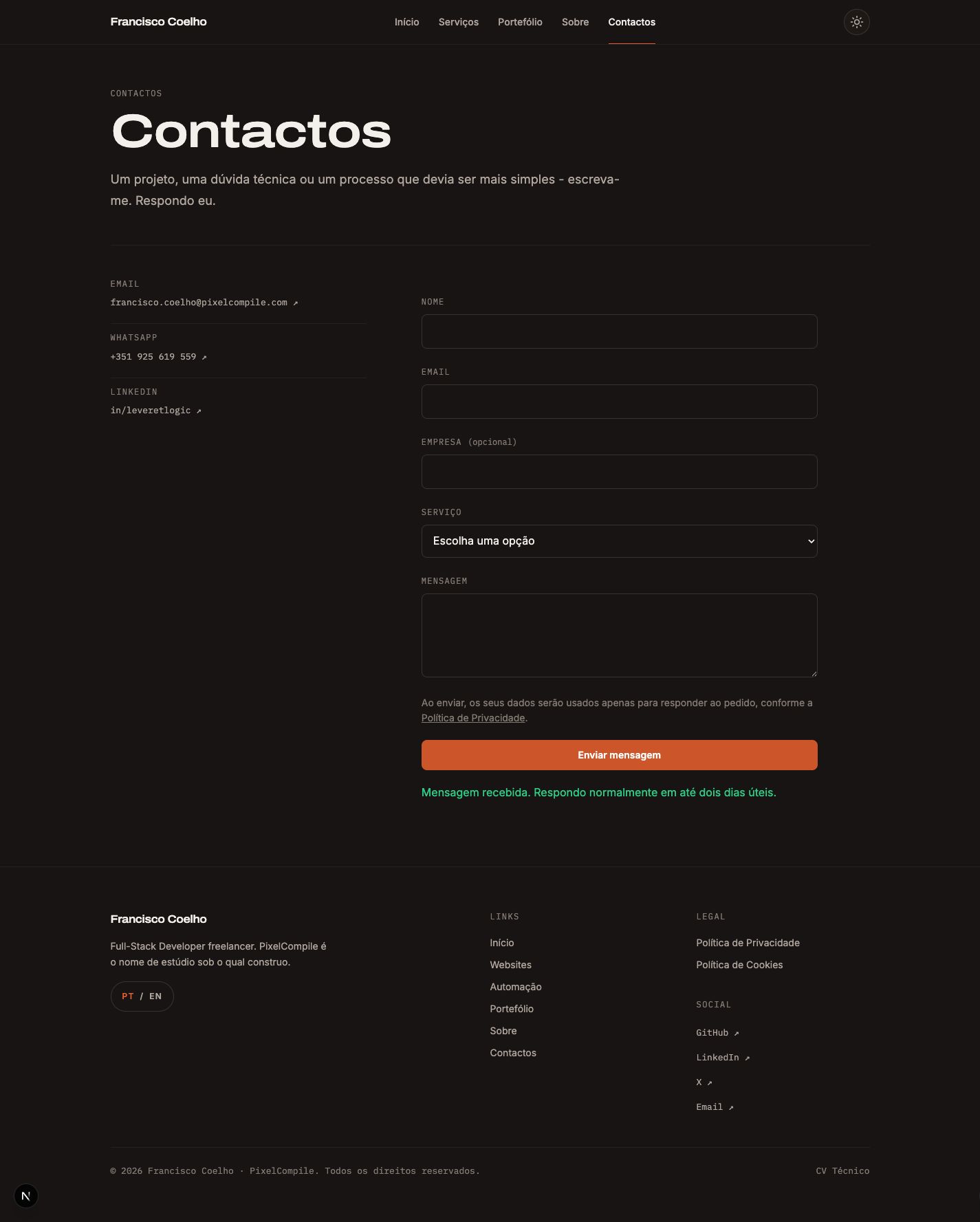
The Pixel Compile contact form already validated data and applied basic spam protection, but it had no production destination configured. Commercial contacts were already managed in a custom Notion CRM.
Problem
Receiving a message through a generic service and manually transcribing it into the CRM would create two sources of truth and repeated work. The integration needed enough context to be useful without turning first contact into a long brief.
Constraints
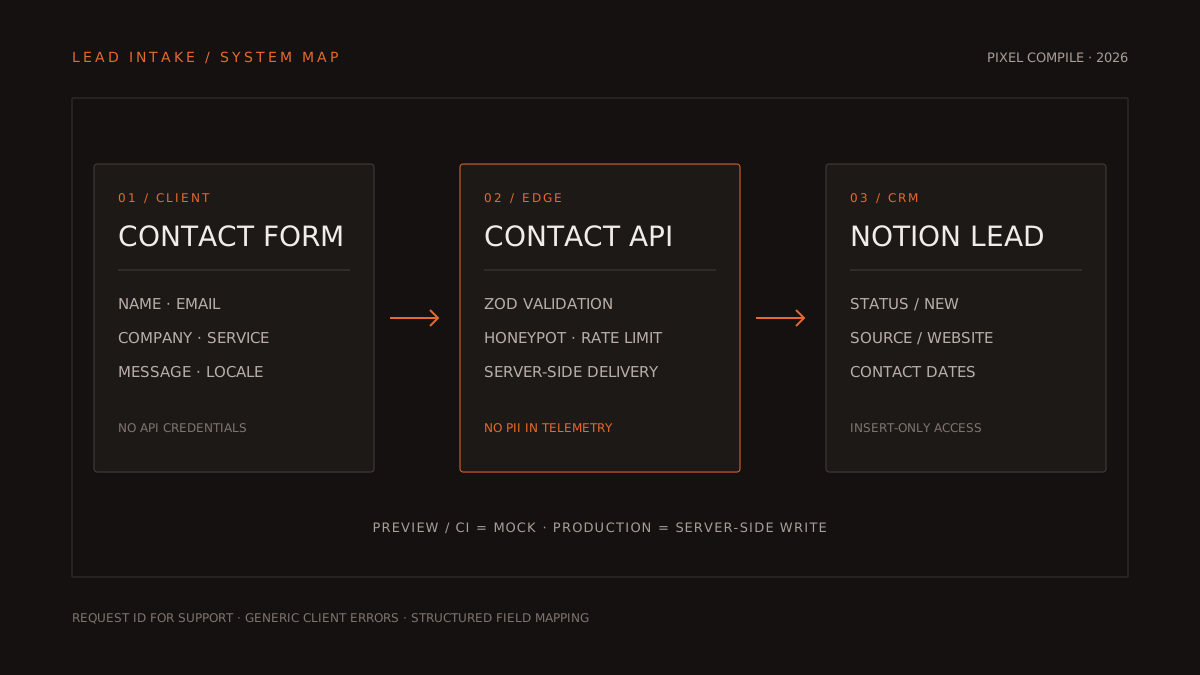
- The Notion token must never reach the browser; all delivery happens in a server-side Edge route.
- Preview and CI must not create real leads; outside production, the endpoint responds in mock mode.
- The existing CRM uses Company as its required title, but the form must also accept freelancers without a company.
Decisions
- Direct REST integration with the Notion API, without an SDK, Zapier, Make or an intermediate database: one write per submission is enough for this volume.
- Lightweight qualification with optional company and four service choices; when company is absent, the person’s name becomes the record title.
- Telemetry is limited to request ID, duration and error category. Name, email, company and message stay out of logs, analytics and Sentry.
Technical approach
The route validates the contract with Zod, rejects honeypots, limits requests per IP and maps each submission into the CRM’s Company, Name, Email, Service, Source, Status, dates and Notes properties.
Configuration uses server-side variables only. Production fails explicitly when configuration is missing; development and preview keep a safe demonstration path without external writes.
Outcome
The flow is ready to turn each valid submission into a structured lead with “New” status and “Website” source, without manual copying. Final activation only depends on connecting the internal integration to the CRM and setting production secrets.
Known limitations
- There is no durable queue: if Notion is unavailable, the user sees an error and the direct email fallback.
- There is no separate notification; new leads must be checked in the CRM.
- A response lost after a successful write may lead to a retry and a duplicate record.
Learnings
- A small integration becomes safer when its contract, mapping and environment modes are explicit — not when more services are added.
- The form and CRM should share the same commercial taxonomy; this removes later cleanup and makes the pipeline measurable from intake.